The growth system
for the AI-first buyer journey
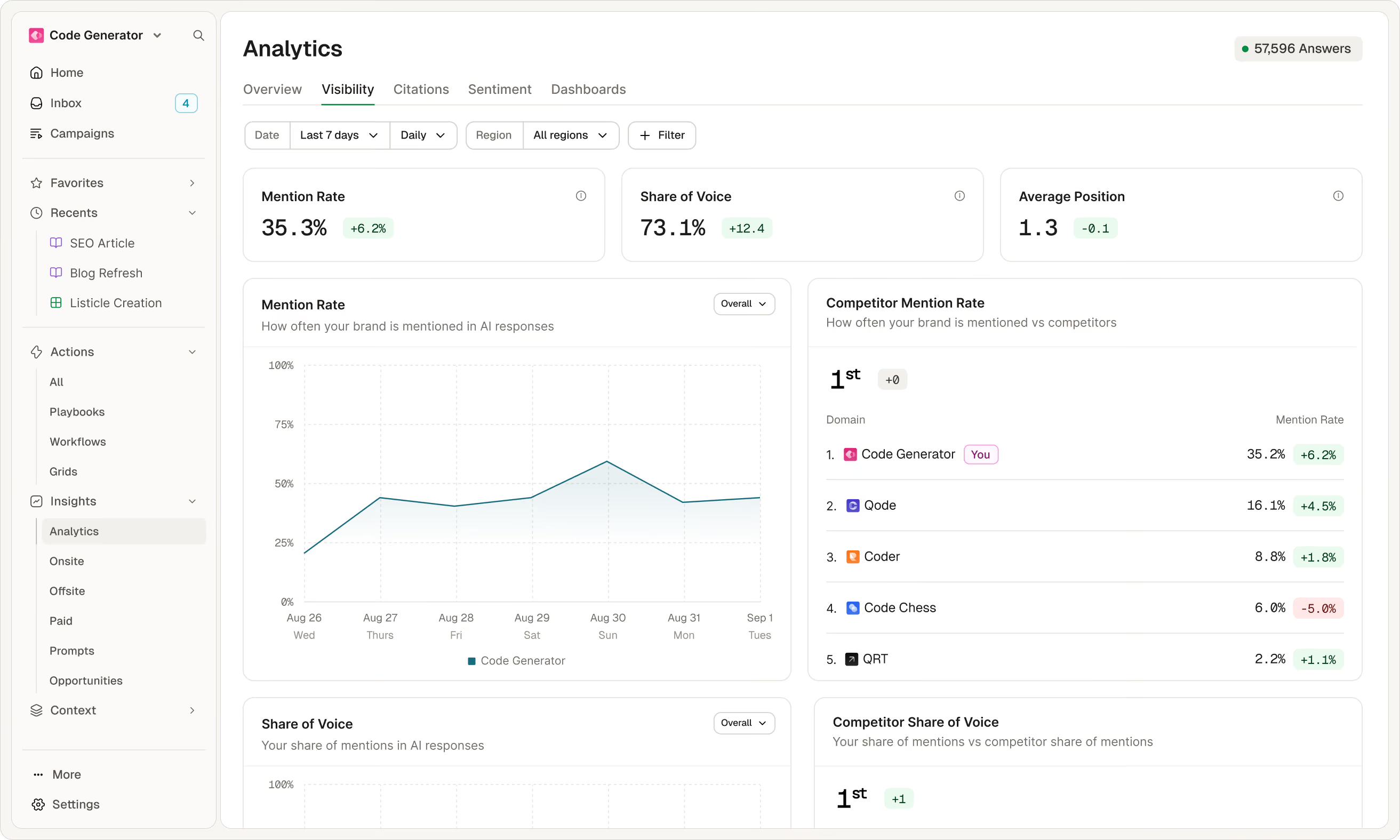



















Connect intelligence, action, and measurement in a continuous loop
Intelligence
Action
Measurement
Measure the market, not the prompt list
Prompt-tracking tools run a selected list of questions through AI engines and count how often your brand appears for any buyer, not your ICP.
Generic, volume-based prompt tracking scores give you a false sense of confidence. A strong visibility score across a broad category feels good, but often hides a weakness with the customers you actually need to win.
Category Influence Overview
$54.2M
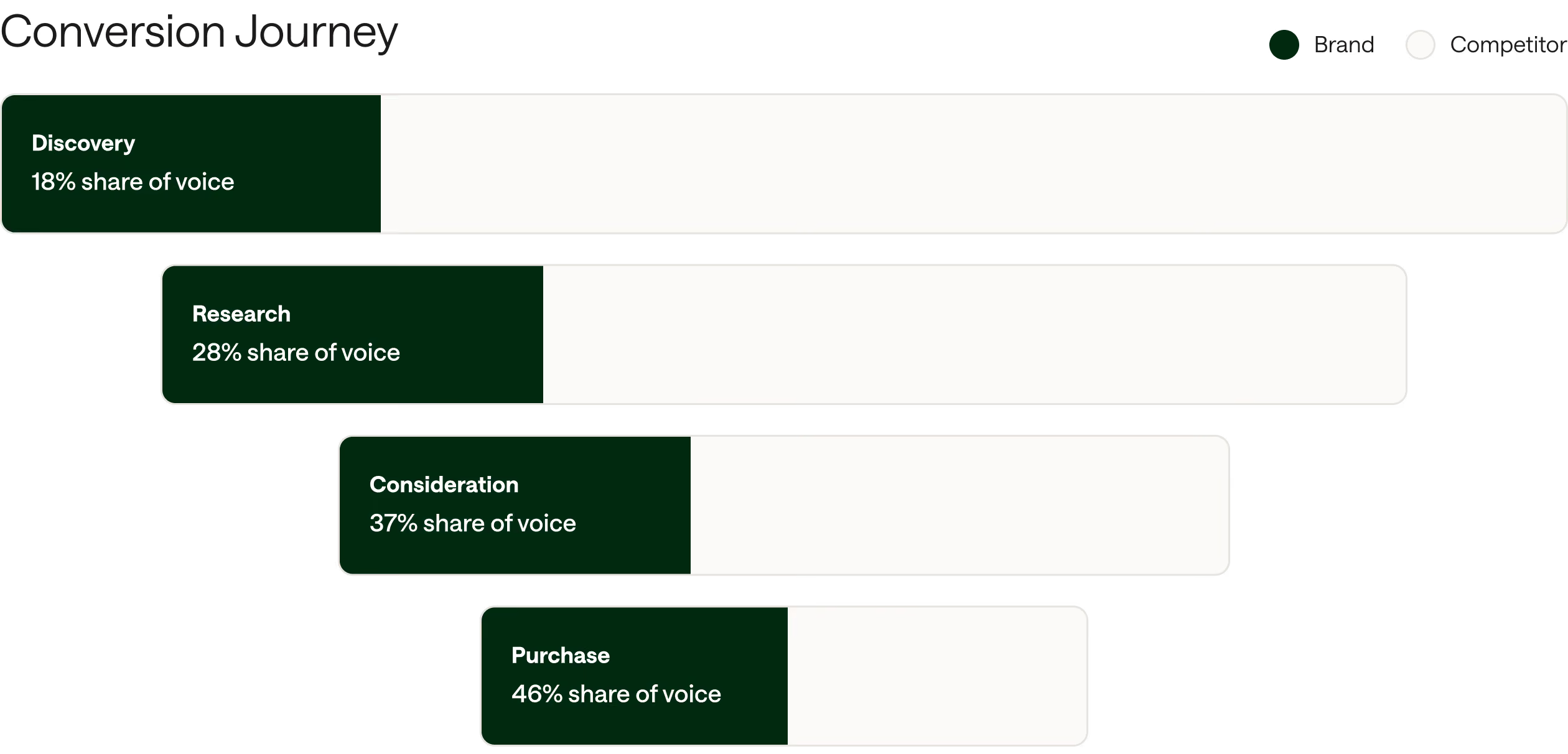
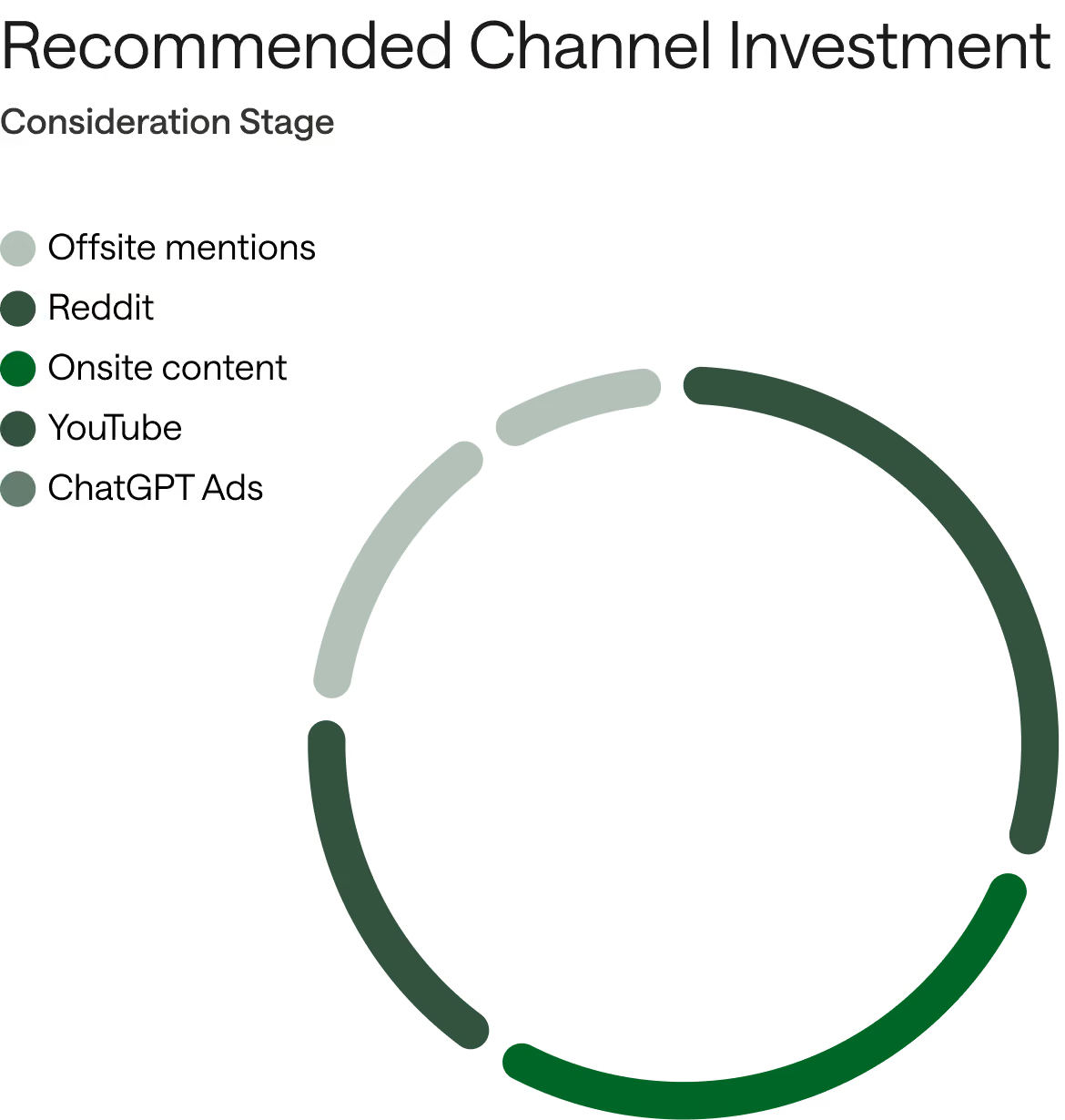
1. See the market
2. Size the opportunity
3. Know where to focus
The data advantage behind every insight
Built on real buyer signals to know what drives real outcomes for your brand.
47M observed actions
6B citations
10M AI search journeys
70M high value prompts
A leading corporate card provider wanted to grow their share of voice with enterprise buyers. While prompt tracking said they had already won, AirOps opportunity data showed the true gap.
Run the work required to win the category
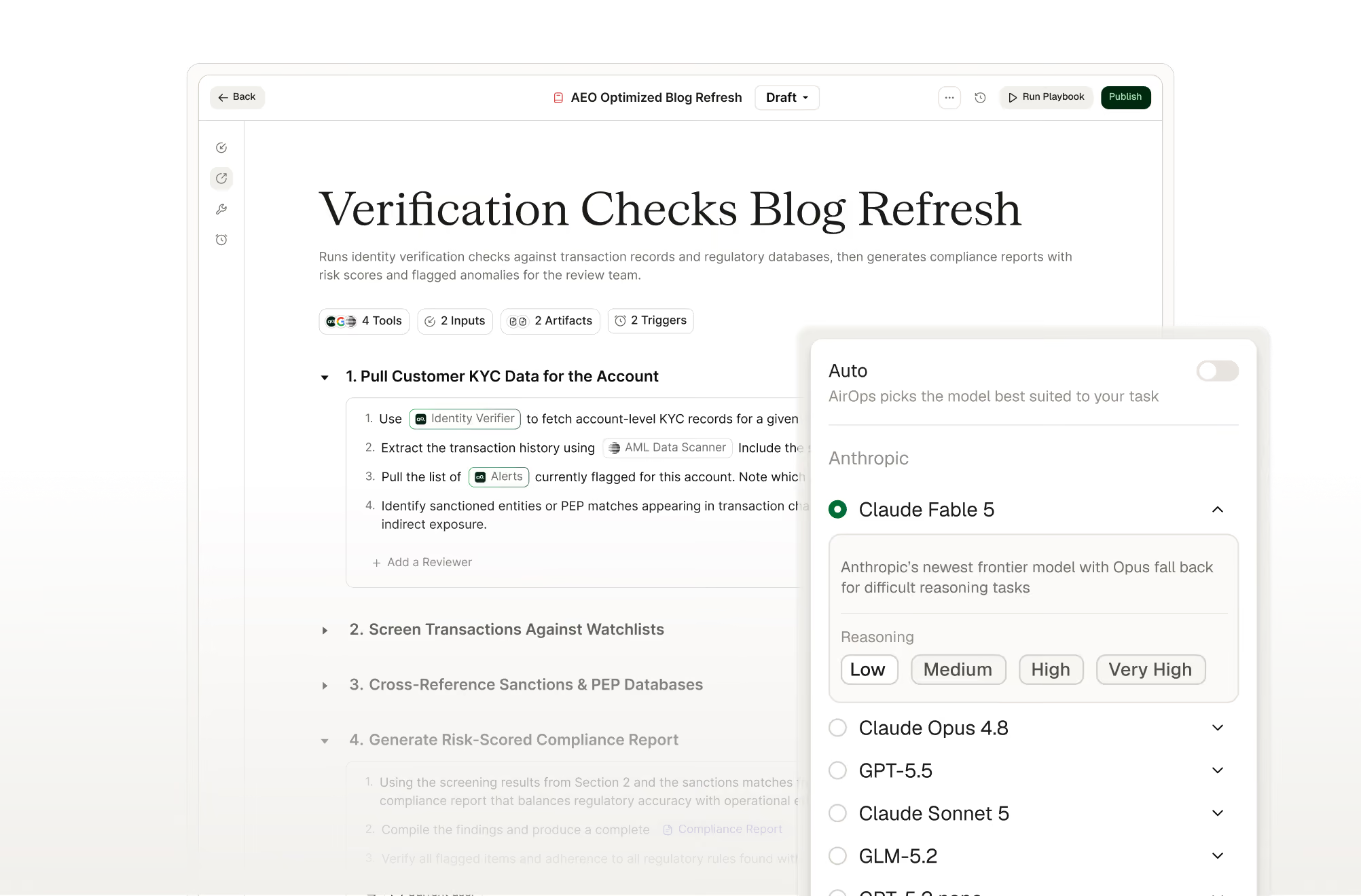
Run long-horizon agents to scale complex growth programs
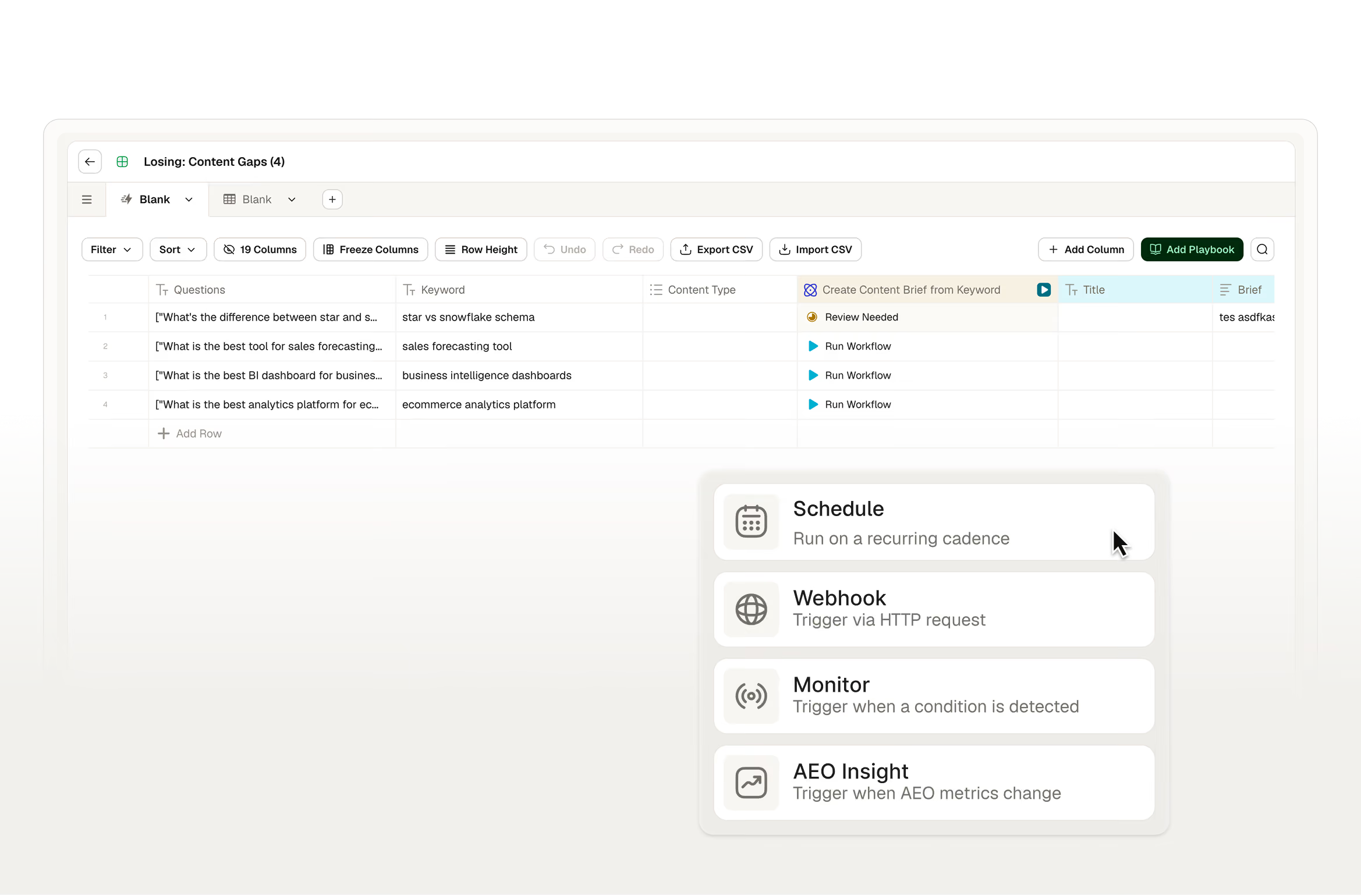
Turn changing signals into automated action with triggers

Pause for review when human judgment matters most
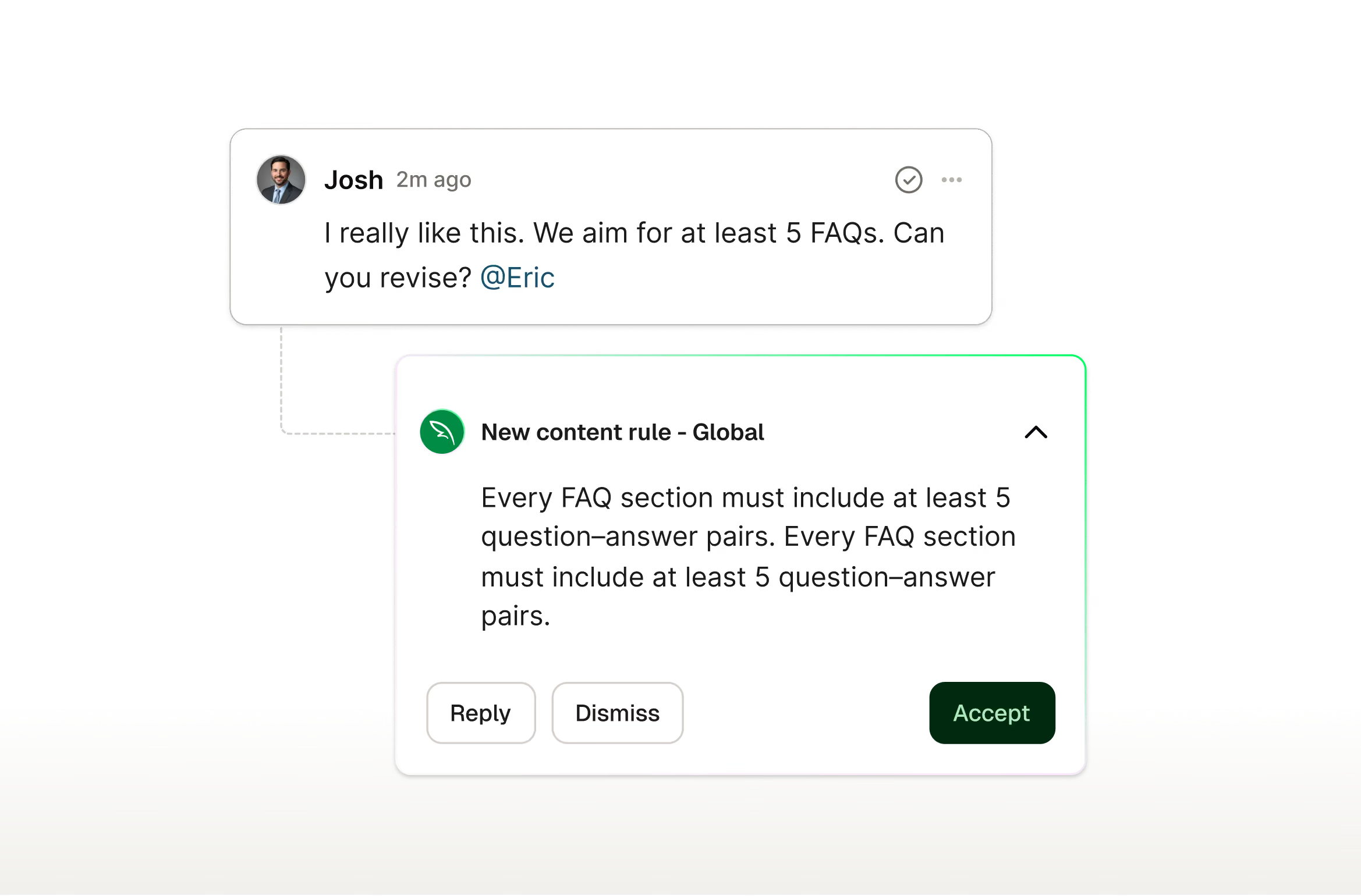
Make every run better than the last with persistent memory
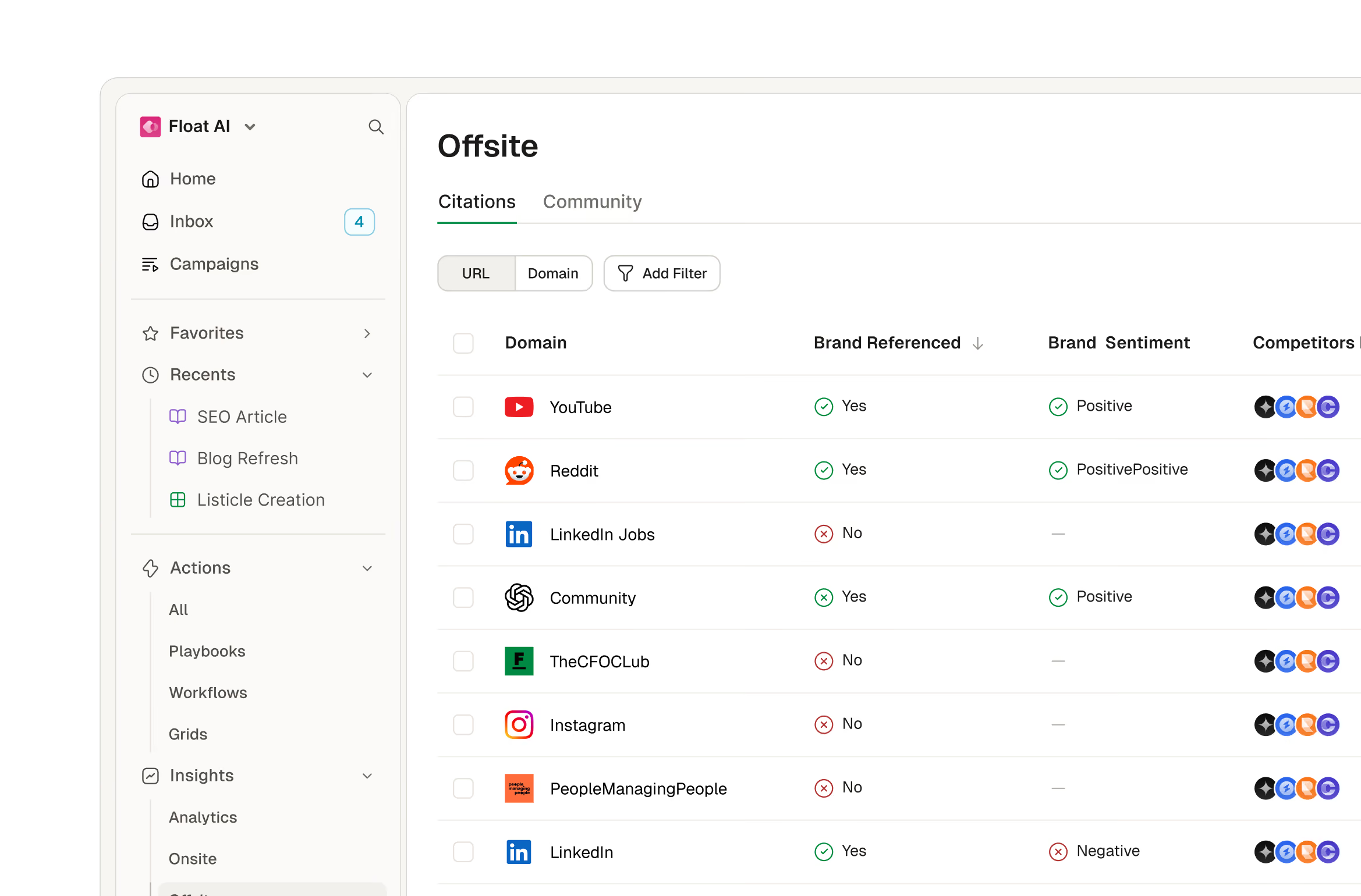
Coordinate growth actions across channels in one place
Trace every action from forecast to revenue
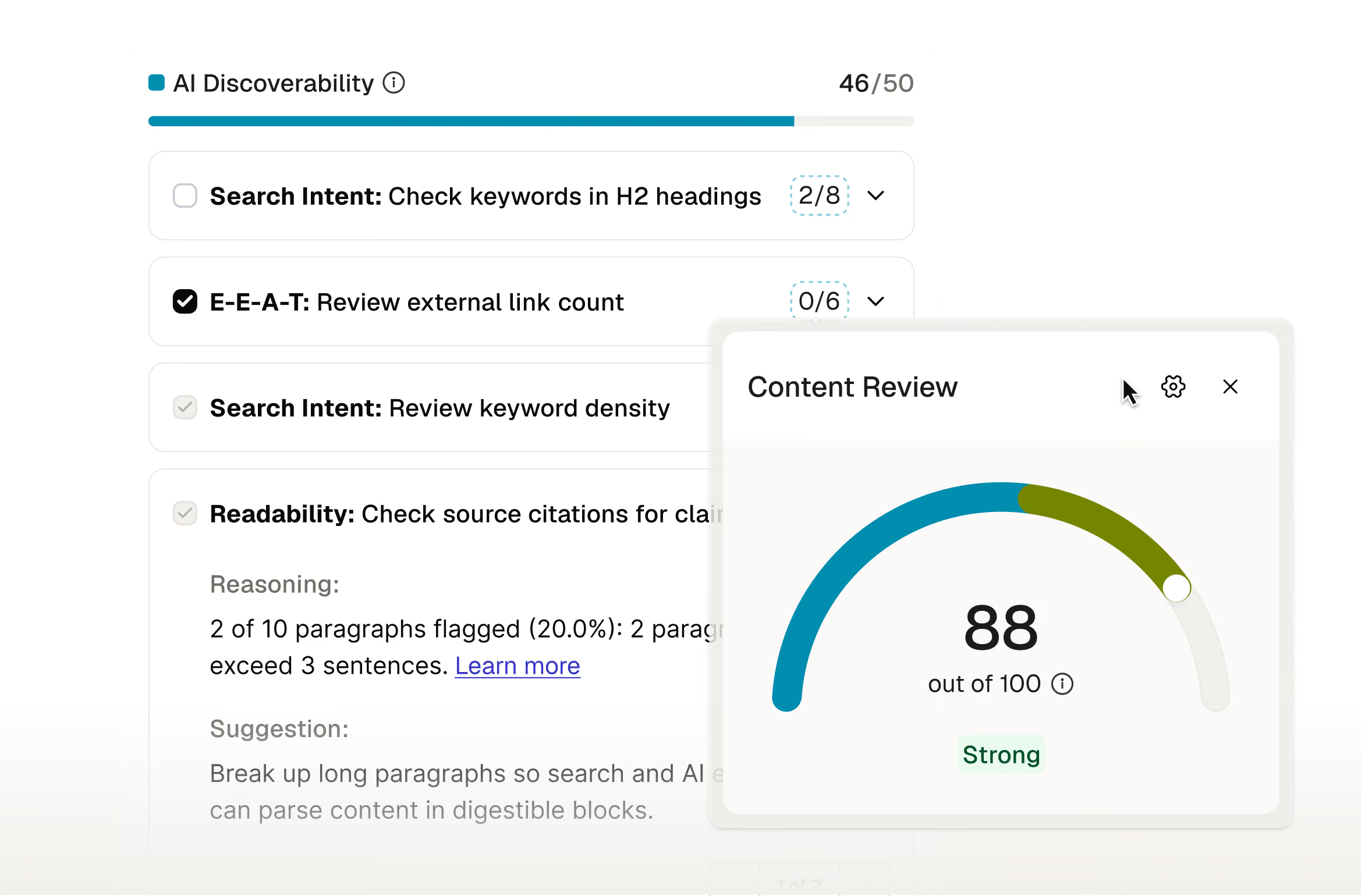
Predict content readiness before shipping
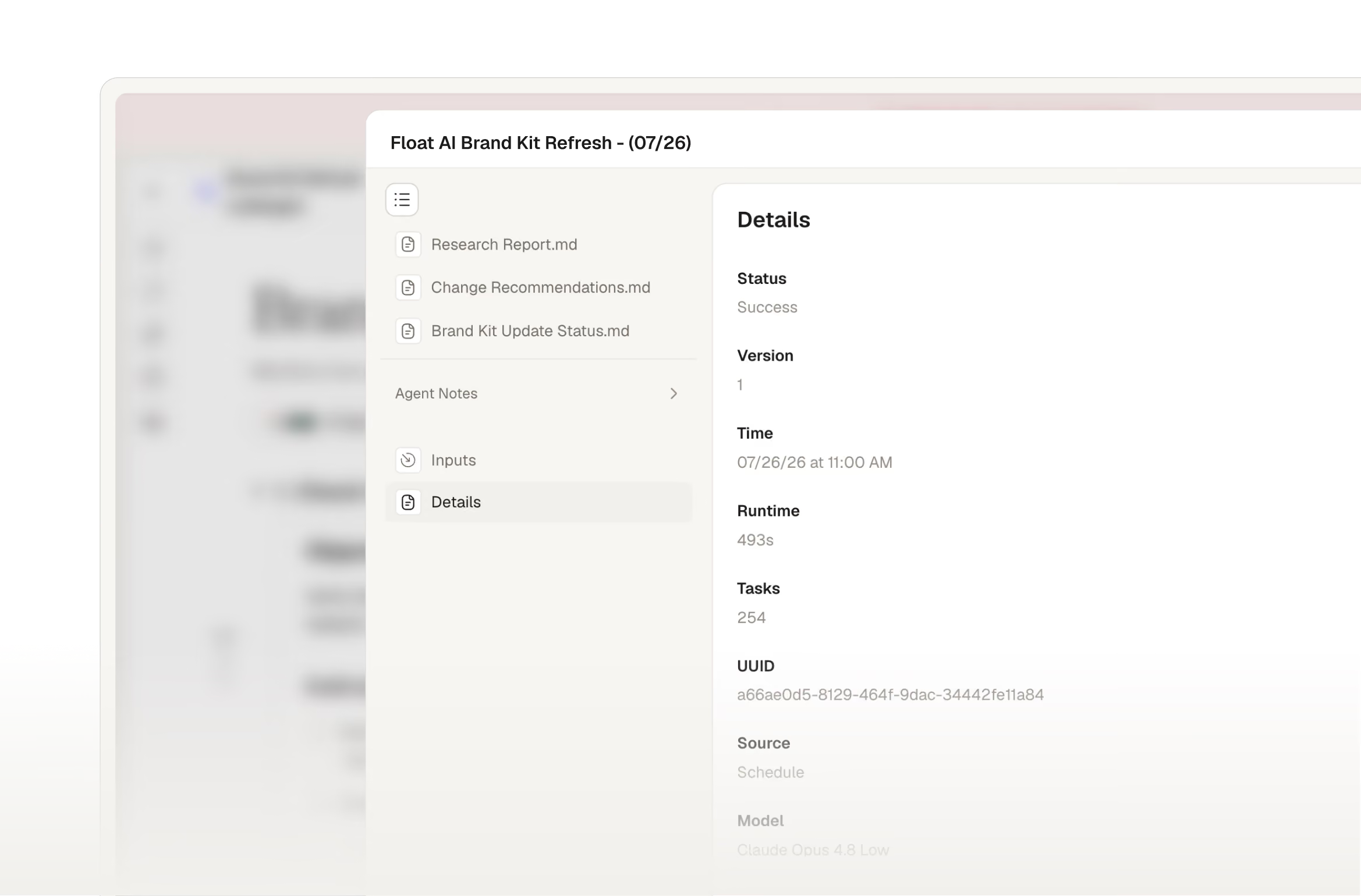
Know exactly what changed and when
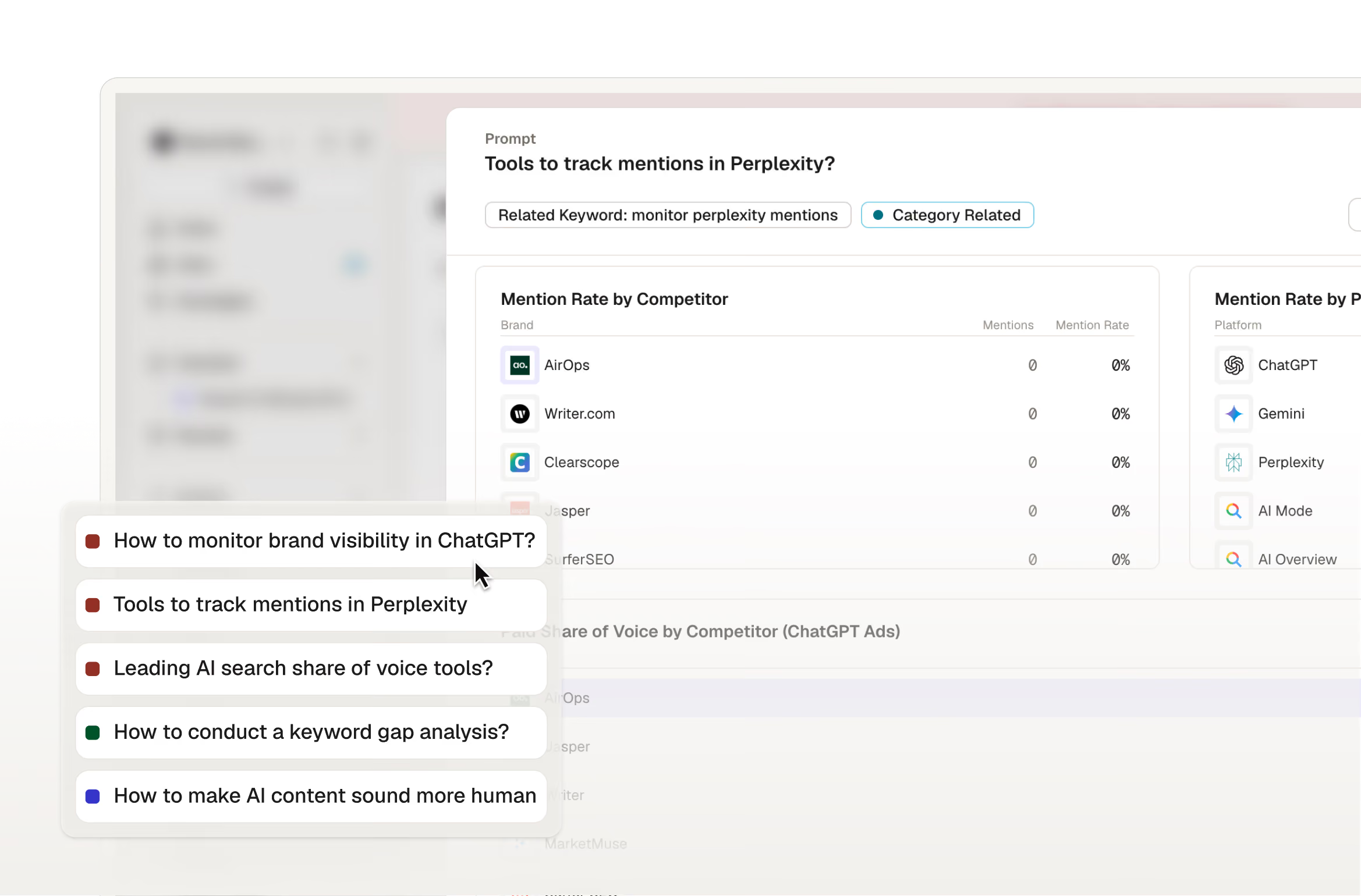
See which opportunity gaps closed, and what happened next
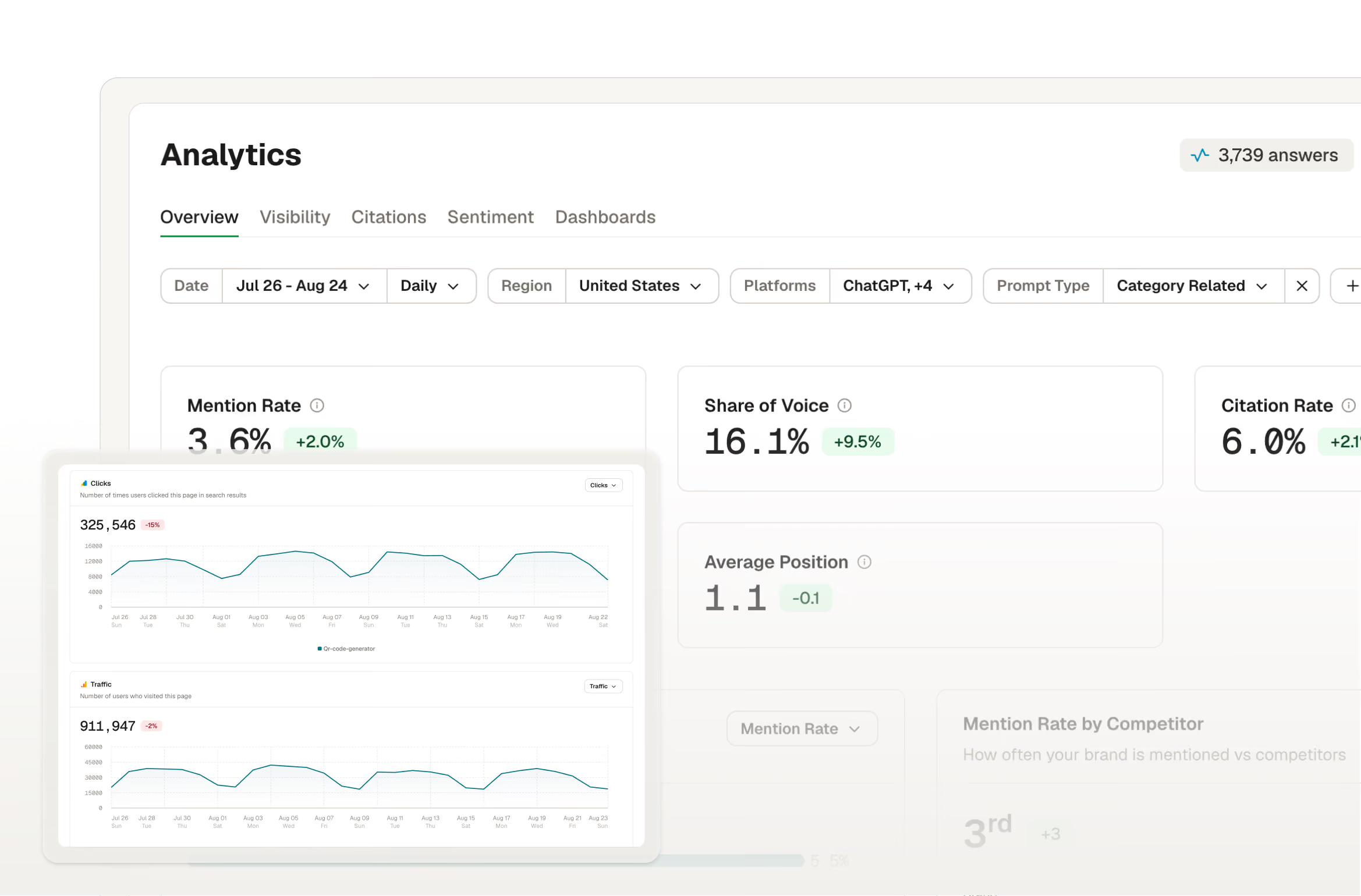
Connect AI discovery to revenue attribution
AirOps is the partner behind your brand's AI search strategy, from the first move to the last mile
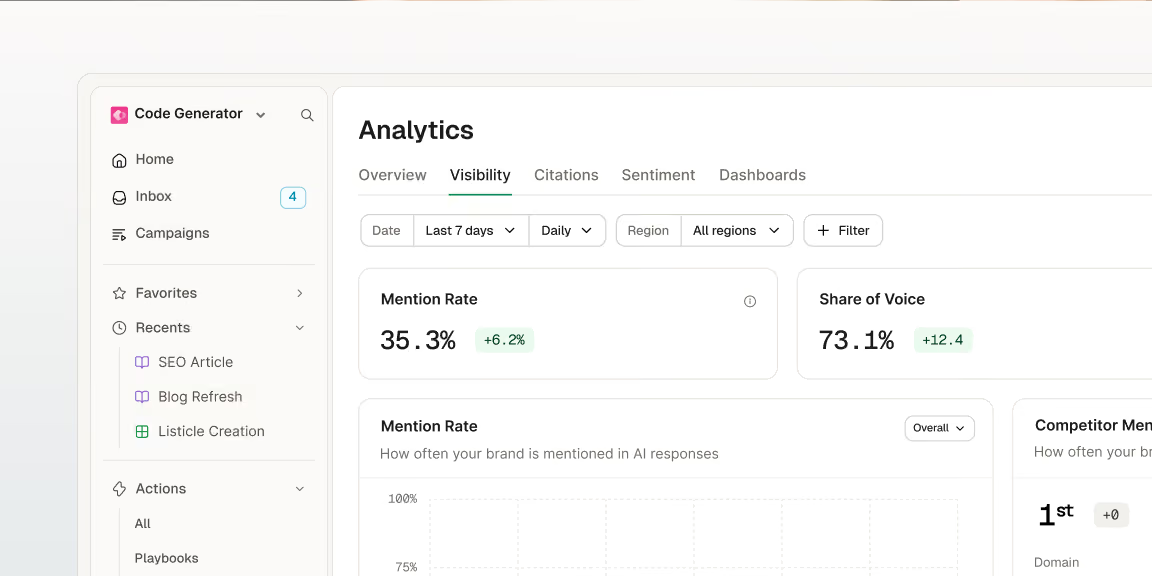


Turn the AI-first buyer shift into a category advantage
Frequently Asked Questions
What makes AirOps intelligence different from other prompt tracking tools?
What makes AirOps intelligence different from other prompt tracking tools?
AirOps defines the market around your specific growth priorities and the segment of the market that you most need to win, whereas most prompt tracking tools run a fixed list of questions and count how often your brand appears for any buyer, not your ICP.
The broad approach that most prompt tracking tools take produces a visibility score that can hide real weakness with the customers you actually need to win. AirOps instead shows you where you stand, how much opportunity is at stake, and which gaps are actually worth closing.
What is “offsite” action? Does AirOps place content on other websites for me?
What is “offsite” action? Does AirOps place content on other websites for me?
AirOps identifies the third-party pages and publishers that influence your category and builds the case for placement, but your team reviews the rationale before we move forward with getting content placed.
What Offsite Action Includes
- Identifying Opportunities: We identify the third-party pages and publishers that influence your category.
- Building the Case: We build the case for placement there, with rationale for your team to review.
- Coordinating Execution: We coordinate outreach, copy, and publishing through your own contacts and relationships.
- Measuring Impact: We measure the visibility lift once a placement goes live.
Why aren’t high visibility and mention scores a sufficient way to track AI search success?
Why aren’t high visibility and mention scores a sufficient way to track AI search success?
High visibility isn't enough on its own, because a strong score across a broad category can hide real weakness with the customers you actually need to win.
Why It Falls Short
- Broad Visibility Can Mislead: A strong visibility score across a broad category can feel reassuring, but it often hides a weakness with the customers you actually need to win.
- AirOps Measures What Matters: We measure the market you're actually competing in, including your specific audiences, products, and buying moments. This helps you can determine where visibility matters and where it’s just noise.
Is there a meaningful difference between SEO content and content optimized for AI answer engines (AEO)?
Is there a meaningful difference between SEO content and content optimized for AI answer engines (AEO)?
Yes, there is a meaningful difference between SEO content and content optimized for AI answer engines (AEO). The main difference is shifting the focus from ranking in a list of links to being cited, summarized, or recommended directly inside an AI-generated answer.
Core Differences
- Goal:
- SEO: Built around ranking in a list of links.
- AEO: Built around being cited, summarized, or recommended directly inside an AI-generated answer.
- Signals: AEO relies on different signals than SEO, including claim support, information gain, and third-party trust.
- AirOps' Approach: AirOps' content checks score for both, so your content is built to perform across search and AI answer engines rather than optimized for one at the expense of the other.