Programmatic SEO template prompts for quality pages
- Write one prompt per template section, fed by row-level data.
- Pick template types where each row holds data worth a page.
- Copy nine prompts with {{variables}} to build and check pages.
- Gate each page on uniqueness and fact checks before it goes live.
- Track AI citations and refresh pages before they go stale.
Prompts for programmatic SEO page templates decide whether your pages help readers or repeat each other. AirOps runs prompts like these across thousands of rows in Grids, with Brand Kit rules applied to every page.
This guide gives you nine copy-paste prompts mapped to each template section. Each one plugs into structured data workflows, so every row becomes a distinct page. You also get QA gates and metrics for AI search.
What makes a good prompt for programmatic SEO page templates?
A good template prompt handles one section and pulls from one row of real data. One prompt per section beats a single giant prompt for the whole page. Smaller prompts give you tighter control over length and facts.
Each template pairs a fixed page layout with a dataset. Every row fills the layout with its own values. AI prompts for SEO write the parts data can't fill alone, such as intros and FAQ answers.
This split sits at the core of programmatic SEO. Build each section prompt around these rules:
- Separate the fixed template copy from the variable data in every prompt.
- Ask for structured output, such as JSON keys or HTML fragments.
- Set hard length limits in words or characters for each field.
- Add negative constraints that ban filler phrases and invented facts.
Map each section to its job and its data before you write a prompt. The table below shows a standard template anatomy.
| Section | Job | Data input |
|---|---|---|
| H1 and title tag | Match the query and name the entity | {{entity_name}}, {{modifier}} |
| Meta description | Earn the click with one specific detail | {{unique_fact_1}}, {{location}} |
| Intro | Answer the query in two sentences | {{entity_name}}, {{unique_fact_1}} |
| Data table | Show row-level facts side by side | {{attributes_json}} |
| FAQ block | Answer follow-up questions with row data | {{faq_seeds}}, {{row_json}} |
| Internal links | Connect sibling pages to the parent hub | {{related_rows}}, {{hub_url}} |
Keep the heading order identical across every page in the set. AirOps research found sequential heading structures boost citation odds by 2.8x. A fixed H2 order also makes each page faster to QA.
Which programmatic SEO templates work best with AI prompts?
Programmatic SEO templates work best when each row holds data no sibling page repeats. Integration and location landing pages pass this test with ease.
AI risk rises as the data per row shrinks. Thin rows push the model to pad the page with filler. Use the table to match each type with its data needs.
| Template type | Required data | AI risk |
|---|---|---|
| Location landing pages | Local pricing, service areas, reviews, and staff | Medium. City name swaps alone create near-duplicates. |
| Comparison pages | Feature specs and pricing tiers for each product | High. The model invents specs without a verified source. |
| Integration pages | Setup steps and synced data fields | Low. Product data gives each page distinct substance. |
| Glossary pages | Definition, two examples, related terms, and a source | Medium. Definitions drift toward generic copy. |
| Statistics pages | Sourced figures with dates and links | High. Any figure without a source fails review. |
| Directory pages | Listing attributes and verified ratings | Medium. Each listing needs its own notes. |
Choose a template type with these checks:
- Count the unique data points each row adds to the page.
- Confirm search demand exists across the long tail of modifiers.
- Check that no sibling page answers the same query.
- Start with the type where your first-party data runs deepest.
Retail catalogs follow the same logic at larger volume. Our guide to programmatic SEO for ecommerce covers category and product variants. Each of these programmatic SEO examples gets its value from the data.
Which prompts build each section of a programmatic SEO page template?
Five prompts build a full programmatic SEO page template, one per section. Run them in order, since later prompts reuse earlier output.
Each prompt uses {{variables}} that map to columns in your dataset. The table lists the core variables and where each one comes from.
| Variable | Example | Source |
|---|---|---|
| {{entity_name}} | Salesforce integration | Product database |
| {{location}} | Denver, Colorado | Location dataset |
| {{primary_keyword}} | salesforce slack integration | Keyword research export |
| {{unique_fact_1}} | Syncs custom objects both ways | Product docs or API |
| {{faq_seeds}} | Setup time and pricing questions | Search Console queries |
| {{brand_rules}} | Voice rules and banned terms | Brand Kit |
Prepare your data before you run the prompts:
- Clean the dataset so empty cells read as null, never as zero.
- Test each prompt on ten rows before you run the full set.
- Store each output in its own column for review.
Prompt 1 for the data field audit
This prompt checks whether a row holds enough data to earn its own page. Run it before any writing prompt.
You are an SEO data analyst auditing one row for a programmatic page.
Template type: {{template_type}}
Row data: {{row_json}}
Required fields: {{required_fields}}

Tasks:
1. List each required field and mark it present or missing.
2. Count the fields that differ from the dataset default value.
3. Flag any field value that repeats on more than 20% of rows.
4. Return PASS if all required fields exist and 5 or more fields are unique. Otherwise return FAIL.

Output JSON only: {"status": "", "missing_fields": [], "unique_field_count": 0, "notes": ""}
Prompt 3 for the unique intro
The intro carries the most uniqueness weight on the page. This prompt forces the model to open with row-specific facts.
Write a 2-sentence intro for a page about {{entity_name}} {{modifier}}.
Query to answer: {{primary_keyword}}
Row facts: {{unique_fact_1}}; {{unique_fact_2}}
Brand rules: {{brand_rules}}

Rules:
- Sentence 1 answers the query directly with one row fact.
- Sentence 2 adds the second row fact and why it matters to the reader.
- 45 words max. Address the reader as "you."
- Ban these openers: "In today's", "When it comes to", "Looking for", "Are you".
- Use only the facts provided. If a fact is missing, return "INSUFFICIENT_DATA".
Prompt 4 for the comparison table
Tables give AI systems clean facts to extract. This prompt builds one from verified attributes only.
Build an HTML comparison table for {{entity_name}} vs {{comparison_entity}}.
Attributes: {{attributes_json}}
Columns: Attribute | {{entity_name}} | {{comparison_entity}}

Rules:
- Add one row per attribute in the order given.
- Copy values exactly from the attributes data. Keep every number as written.
- Write "Not listed" for any missing value. Never guess.
- Add a caption under 15 words that names the source: {{data_source}}.
- Return only the table HTML.
Prompt 5 for the FAQ block
FAQ blocks answer follow-up queries and pair well with structured data and schema markup. AirOps research found FAQ schema is nearly twice as common in cited content (10.5% vs 5.4%). For more schema work, see our FAQ schema prompts and schema markup prompts.
Google's guide to structured data explains how markup classifies page content. This prompt returns the visible FAQ and its FAQPage markup together.
Write 4 FAQ questions and answers for a page about {{entity_name}} {{modifier}}.
Question seeds: {{faq_seeds}}
Row data: {{row_json}}

Rules:
- Phrase each question the way a searcher types it.
- Answer in 2 or 3 sentences. Lead with the direct answer.
- Every answer must cite one value from the row data.
- Skip any question the row data can't answer.
- Return the visible HTML plus matching JSON-LD FAQPage markup.
How do you keep programmatic pages from becoming thin content?
Gate every page on unique data and a QA prompt before it publishes. This keeps your template set clear of Google's spam policy on scaled content abuse.
Google defines scaled content abuse as many pages built mainly to manipulate rankings. The policy covers automated and human-written pages alike. Thin content with swapped city names fails this test fast. Our breakdown of the hidden dangers of programmatic SEO covers the most common failure patterns.
| Check | Pass threshold | Prompt |
|---|---|---|
| Data completeness | All required fields present | Prompt 1 |
| Uniqueness | 40% or more unique copy vs sibling pages | Prompt 6 |
| Brand voice | Zero banned terms or rule breaks | Prompt 7 |
| Fact accuracy | Every value matches the source row | Prompt 8 |
| Query overlap | No sibling page targets the same query | Prompt 6 |
Use the 40% figure as a rule of thumb for unique copy per page. Route each failed page by the gate it missed:
- Hold pages with missing data until the dataset fills the gap.
- Rewrite pages that fail uniqueness with new row facts.
- Send voice failures back through Prompt 7 with the flagged lines.
- Add noindex to pages with no fix path and drop them from the sitemap.
Merge pages that fail twice into the closest sibling. Point the duplicate at one canonical URL so Google consolidates signals.
Prompt 6 for the uniqueness audit
This prompt compares a draft against its nearest siblings. It catches pages that differ only by the entity name.
Compare this draft page against its 3 closest sibling pages.
Draft: {{draft_html}}
Siblings: {{sibling_pages}}

Tasks:
1. Estimate the share of draft sentences that no sibling page contains.
2. List any sentence that matches a sibling after you swap the entity name.
3. Check whether a sibling targets the same primary query: {{primary_keyword}}.
4. Return PASS if the unique share is 40% or higher and no query overlap exists.

Output JSON: {"status": "", "unique_share": 0, "duplicate_sentences": [], "query_overlap": false}
Prompt 7 for the brand voice check
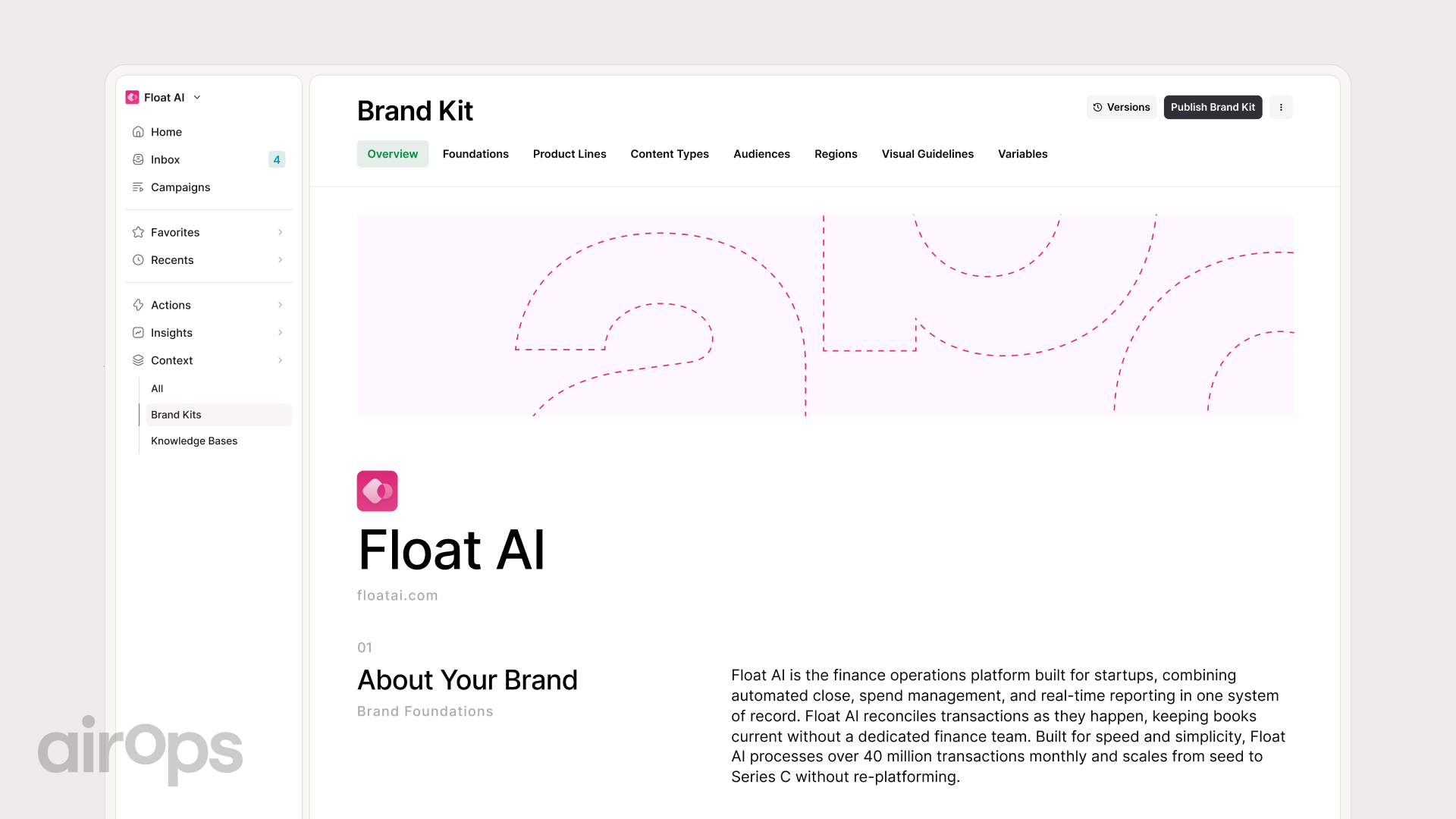
Voice rules break at scale unless a prompt enforces them on every row. See how AirOps handles brand governance at scale across large page sets.
Review this page against the brand rules below.
Page: {{draft_html}}
Brand rules: {{brand_rules}}
Banned terms: {{banned_terms}}

Tasks:
1. Quote every sentence that breaks a rule and name the rule.
2. Count banned terms. Any count above zero fails.
3. Rewrite each flagged sentence so it passes the rule.
4. Return PASS or FAIL with the rewrites.

Output JSON: {"status": "", "violations": [], "rewrites": []}
Prompt 8 for fact and data validation
Model output drifts from source data in small ways, like rounded numbers. This prompt checks each figure against the row. For a full pre-publish review, pair it with our AI content QA checklist.
Check every fact in this page against the source row.
Page: {{draft_html}}
Source row: {{row_json}}

Tasks:
1. Extract each number, date, name, and price from the page.
2. Match each value to a field in the source row.
3. Flag any value that differs or has no matching field.
4. Return PASS only if every value matches exactly.

Output JSON: {"status": "", "mismatches": [], "unsupported_claims": []}
How do you measure programmatic template pages in AI search?
Measure template pages by AI citations and clicks for each page set. Rankings alone miss how AI answers shape traffic now.
In 2025, Pew Research Center found that Google searchers who saw an AI summary clicked a traditional result in 8% of visits. Searchers who saw no summary clicked in 15% of visits. That gap makes citations inside the AI answer worth tracking.
| Metric | Source | Refresh trigger |
|---|---|---|
| AI citations per page set | AI search visibility tracking | Citations drop two weeks in a row |
| Organic clicks | Google Search Console | Clicks fall 20% over 28 days |
| Indexed pages | Search Console page indexing report | Index rate drops below 80% |
| Days since last update | CMS or dataset timestamp | Page passes 180 days without an update |
| Conversion rate | Analytics platform | Rate falls below the template average |
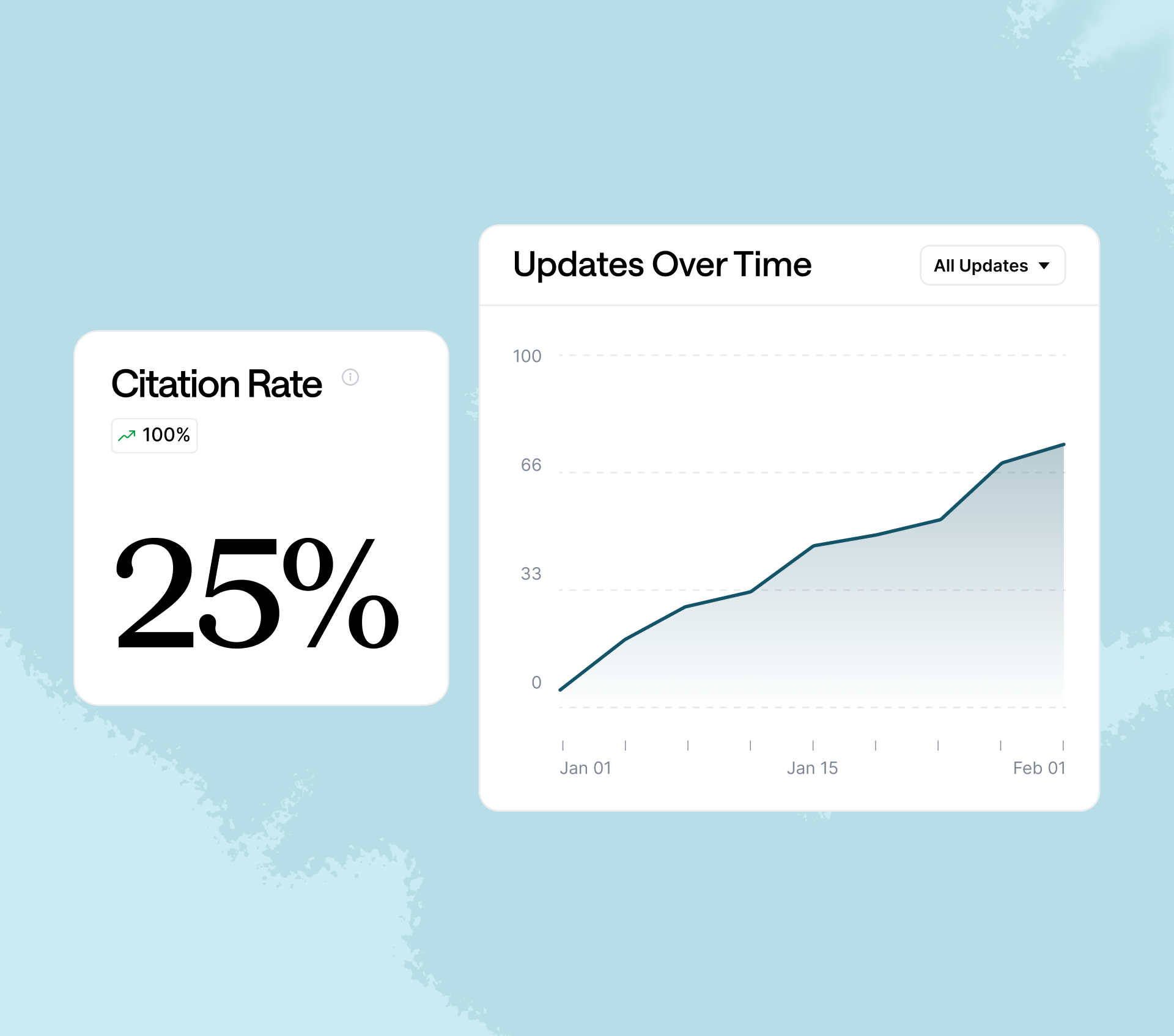
Freshness drives AI citations. The 2026 State of AI Search report found more than 70% of pages cited by AI had updates within the past 12 months. AirOps stale content research adds that 60% of commercial-query citations come from content updated in the last six months.
Build tracking around these habits:
- Group pages by template type so you compare like with like.
- Log the dataset version that produced each page.
- Review the metrics table weekly for each page set.
Prompt 9 for the refresh trigger
This prompt turns your metrics export into a ranked refresh queue. It also names the prompts to rerun for each page.
You monitor a set of programmatic pages for refresh needs.
Page set: {{page_set_name}}
Metrics export: {{metrics_csv}}
Dataset changes since last publish: {{dataset_diff}}
Thresholds: {{refresh_thresholds}}

Tasks:
1. Flag each page that crosses any threshold.
2. Flag each page whose source row changed since the last publish.
3. Rank flagged pages by lost citations, then by lost clicks.
4. Return the top 50 pages with the reason and the prompts to rerun.

Output JSON: {"refresh_queue": [{"url": "", "reason": "", "rerun_prompts": []}]}
Feed the refresh queue into your wider content strategy so updates follow demand. Rerun the QA gates on every refreshed page before it republishes. Log each refresh so you can tie citation gains to specific prompt changes.
Frequently asked questions
How many pages do you need before programmatic SEO pays off?
Start with a pilot set from one template type and its strongest rows. Measure clicks and citations for 60 days before you expand. Scale the template once the pilot pages earn traffic.
Can you publish AI-written programmatic pages without human review?
Run automated QA gates on every page and add human review for a sample. Review the first 20 pages of each new template in full. After that, spot-check a small share of each batch.
Does programmatic SEO still work with AI search?
Yes, when each page carries unique data an AI answer can cite. Programmatic SEO with AI search rewards fresh pages with clear structure. AirOps research found pages not updated in over a year are more than 2X as likely to lose citations.
How is AI used in programmatic SEO?
AI writes the parts of each page that row data can't fill alone, such as intros, comparison notes, and FAQ answers. It also checks each page before launch: it audits data fields, compares drafts against sibling pages, and validates every fact against the source row. People set the template, approve the prompts, and review a sample of every batch.
How do you stop low-quality programmatic pages from being indexed?
Add a noindex tag to any page that fails a QA gate. Leave failed pages out of your XML sitemap. Point near-duplicates to one canonical URL so signals consolidate.
What is the difference between a programmatic template and a CMS template?
A CMS template controls layout for pages you write by hand. A programmatic template pairs that layout with a dataset and prompts. Each row in the dataset produces its own page.
AirOps for programmatic SEO page templates
AirOps is an enterprise AEO platform and expert partner for marketing leaders, connecting AI search intelligence, coordinated action across channels, and measurement tied to growth.
AirOps runs the prompts in this guide across every row in a Grid. Data field audits and QA gates run before any page publishes. To plan the keyword set first, start from the programmatic SEO keyword strategy template.
Brand Kit applies your voice rules to each page in the set. AirOps also tracks AI citations, so refresh prompts fire when pages slip.