Content teams waste hours switching between CMS platforms, search tools, docs, and project boards. In this AirOps webinar, Josephine Cahill from Oyster and the AirOps team shared strategies for teams ready to refresh faster without losing control.
The core message: connect your workflow from import to review to publish, then scale only after you trust the output.
AirOps measures multi-step content workflows from keyword research through human review to CMS publish.
Top 5 Takeaways
1. Integrations turn scattered content ops into one connected workflow
Import, enrich, review, and publish without bouncing between disconnected tools.
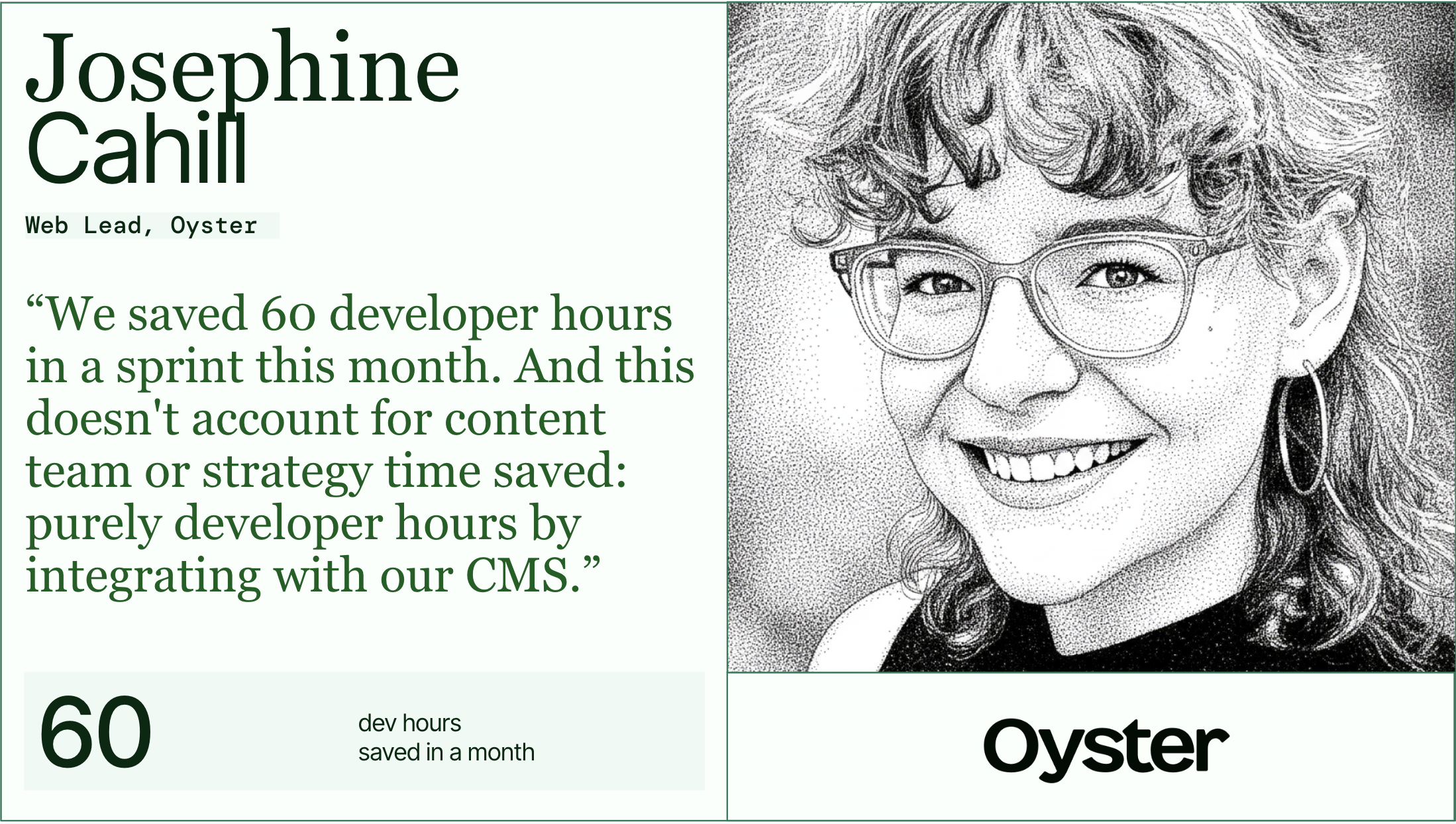
2. Oyster used Webflow, SEMrush, and Asana to operationalize refreshes at scale
Their team automated FAQs, refreshes, and approvals without removing human control.
3. Field mapping and one-click export help AI outputs fit real CMS structures
That reduces copy/paste work, formatting risk, and missing-field issues.
4. Human review and brand context are essential for quality, especially in sensitive categories
AI worked best as an assistant, not an autonomous publisher.
5. Start small, measure tightly, and scale only after quality is proven
The webinar stressed crawl-walk-run adoption, brand kits, and publish tracking for ROI.
Best Practices and Key Learnings
The webinar made one point clear: integrations matter most when they remove manual handoffs without removing accountability. Here are the clearest lessons content leaders can act on now.
Build one workflow from CMS import to CMS export
Disconnected handoffs slow refreshes and create avoidable errors. A connected workflow gives your team one path from source content to reviewed publish-ready output.
Import full CMS collections into a working grid so your team can refresh content in bulk instead of editing page by page. Pull in search signals from tools like SEMrush, Ahrefs, and AI search data so you can prioritize pages with real upside. Export back to the CMS with the right status so editors keep control over what goes live and when.
"With our new integrations, you can now import your existing content from a collection into an AirOps grid." — Justina Flamme

Map structured fields before you scale FAQs and refreshes
Structured content breaks when teams rely on copy and paste. Field mapping keeps outputs clean and makes one-click export useful in real CMS workflows.
- Map AirOps fields directly to CMS fields so FAQ schema, plain text fields, and rich text fields land in the right place.
- Send reviewed outputs back as drafts first if your team wants one final check inside the CMS.
- Start with repeatable page types like glossaries, FAQs, and content libraries where structure matters most.
Keep human review and cross-functional signoff in the loop
AI can speed up production, but teams still need human judgment for accuracy, brand fit, and compliance. That matters even more when content touches legal, financial, or regulated topics.
Route sensitive pages through content and legal review before anyone publishes them. Ground outputs in source documents, government pages, and other trusted references when facts carry real business risk. Create review tasks in Asana or another project management tool so reviewers can work where they already spend time.
Feed AI real brand context, not vague tone words
Generic prompts create generic writing. Strong brand kits give AI the examples, rules, and context it needs to sound like your company.
- Add writing samples, audience notes, product context, and tone guidance to your brand kit before you scale output.
- Update brand kits on a steady cadence so new content reflects product changes, messaging updates, and fresh examples.
- Split brand kits by content type when product pages, thought leadership, and regional content need different voices.
Start small, publish on a steady cadence, and measure the lift
Big workflows look impressive, but smaller workflows build trust faster. Teams should prove output quality and impact before they scale to larger content sets.
Start with a narrow use case like FAQs, meta updates, or broken link fixes before you move into full-page refreshes. Track publish timestamps, changed pages, rankings and citation movement so you can tie workflow changes to performance. Set a practical publishing cadence so faster production doesn't turn into unnatural bursts of updates.
Putting These Integration Insights Into Practice
Manual refresh processes can't keep up with how AI search rewards fresh, structured, accurate content. If your workflow still depends on spreadsheets, Slack messages, doc handoffs, and CMS copy-paste, you're losing time on operations instead of shipping updates.
Start with one content type and one clear outcome. Connect your CMS, bring in one search data source, add a human review step, export back as a draft, and measure what changed after publish. Once you trust the workflow, expand it to more page types, more reviewers, and more content sets.
How AirOps Helps Content Teams Connect Workflows
AirOps helps content and SEO teams import content from their CMS, enrich it with search and company context, route it through human review, and publish it back without the tool switching. Behind that, AirOps is the partner brands bring in for this shift, the platform, the media mix, and a hands-on team that builds and runs the strategy alongside your own from strategy through execution, tied back to pipeline and revenue growth. Ready to build refresh and publishing workflows like Oyster?
Book a strategy call to see how AirOps can transform your content operations.
Get the latest on AI content & marketing
