On-Page SEO Tools That Help You Optimize Faster and Rank Higher
Manual page audits are slow, fragmented, and hard to scale. AirOps gives your team AI-driven on-page SEO tools that find issues, prioritize fixes, and automate content optimization - so you publish pages that actually rank.

Webflow 5xed content refresh velocity and increased visibility across Google and ChatGPT

Webflow 5xed content refresh velocity and increased visibility across Google and ChatGPT
Webflow 5xed content refresh velocity and increased visibility across Google and ChatGPT

Chime went from being recommended in 24 to 68 priority questions


George Bonaci VP of Growth, Ramp

Nicole Baer, CMO, Carta


50% cut in production costs, thanks to the elimination of external agencies and manual tasks.

Marcio Arnecke, CMO, Apollo















Why Teams Need Dedicated On-Page SEO Tools
On-page SEO tools are software platforms that analyze individual web pages and provide actionable recommendations to improve search rankings. They audit elements like title tags, meta descriptions, headings, content relevance, internal links, page speed, and Core Web Vitals - then prioritize what to fix first. Unlike manual audits, dedicated on-page SEO tools automate the analysis, surface keyword gaps, and help content teams optimize at scale.
Most teams juggle disconnected tools for content optimization, technical audits, and keyword research. Writers get vague feedback. SEOs waste hours on spreadsheets. Pages underperform and nobody knows why.
The right on-page SEO tool consolidates these workflows into a single view: what's wrong, what to fix, and how to fix it - page by page. But traditional on-page SEO checkers weren't built for how search works today. AI answer engines like ChatGPT and Perplexity now pull and cite content directly, which means your pages need to be optimized for both classic SERP rankings and answer engine optimization. Legacy tools don't account for that. AirOps does.
Compare On-Page SEO Tool Features - AirOps vs. Other Tools
Not all on-page SEO tools cover the same ground. Here's how AirOps stacks up against other popular tools across the features that matter most for ranking and scaling content.
TL;DR: Most tools stop at monitoring. AirOps helps you track AI search visibility, diagnose why competitors are winning, and take action through repeatable optimization workflows.

What You Can Do With Better On-Page SEO Data
Scale Content Optimization Across Hundreds of Pages
Stop auditing pages one at a time. AirOps lets SEO teams batch-optimize title tags, meta descriptions, headings, and body content across your entire site - turning weeks of manual work into hours. If you're managing a large content library, SEO content automation is the difference between keeping up and falling behind.
Give Writers Actionable SEO Guidance - Not Vague Scores
Content marketers get clear, AI-generated recommendations for keyword targeting, content structure, and readability - so every draft is optimized before it publishes. No more guessing what a "72 content score" actually means. Your writers get specific fixes, not abstract numbers.
Close Keyword Gaps Your Competitors Already Own
AirOps surfaces keyword gap opportunities page by page, showing exactly which terms to add, which headings to restructure, and where internal links are missing. You see what your competitors rank for that you don't - and you get a clear path to close the gap.
Optimize for AI Answer Engines - Not Just Google
Traditional on-page tools ignore how AI search engines like ChatGPT and Perplexity select and cite content. AirOps helps you structure pages for both traditional SERP rankings and AI visibility - including featured snippet optimization, FAQ schema generation, and content formatting that answer engine optimization tools are built to support.
Three Steps to Optimized Pages
Most on-page SEO tools tell you what's broken. AirOps tells you what's broken, writes the fix, and lets you ship it - all without leaving the platform.
Connect Your Site
Plug in your domain or CMS. AirOps crawls your pages and builds a prioritized audit queue in minutes, not days. Whether you're on WordPress, a headless CMS, or a custom stack, the API-first architecture means zero migration headaches. Your team spends time optimizing, not configuring.
Get AI-Powered Recommendations
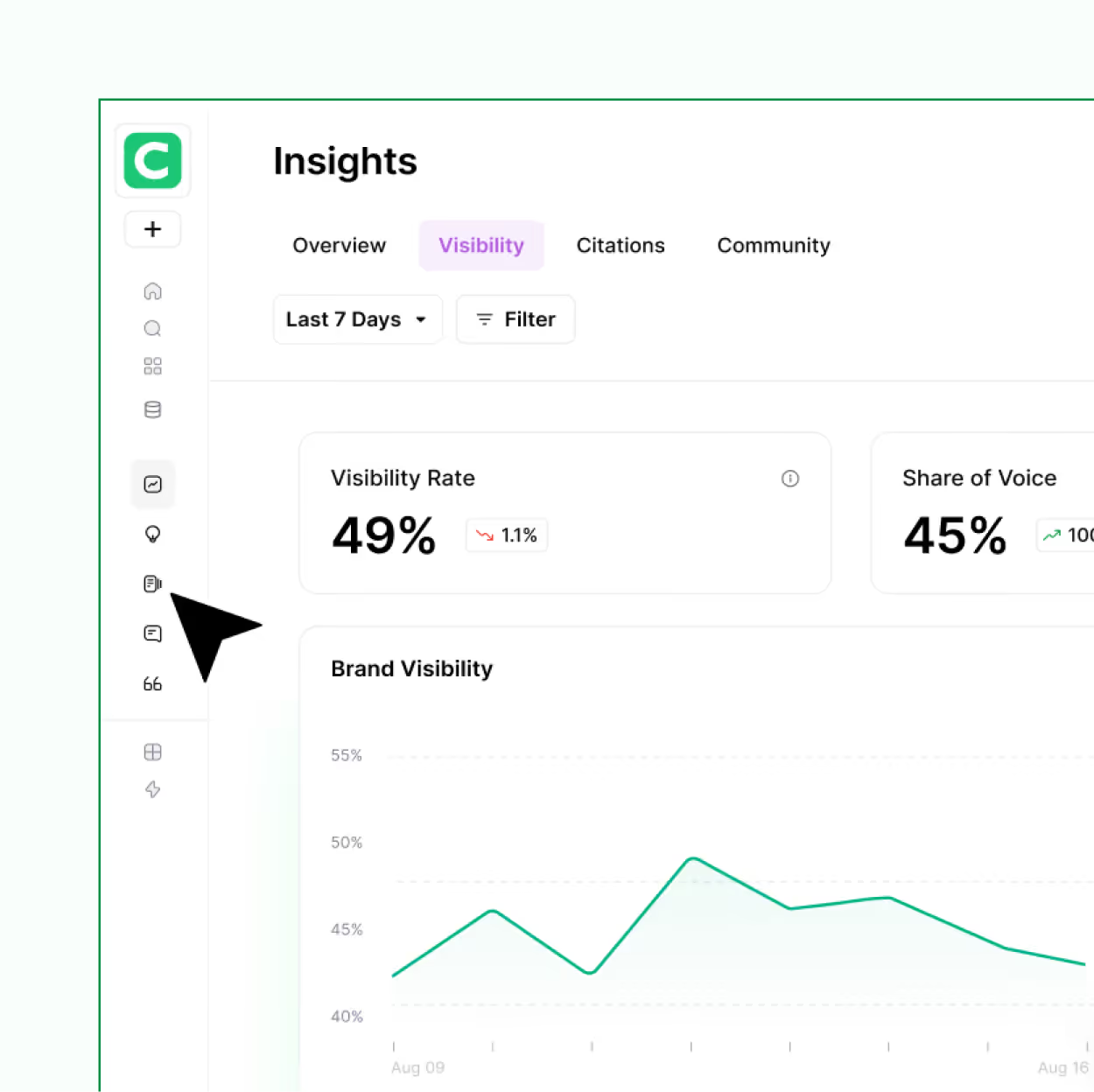
Each page receives specific, ranked fixes - keyword targets, meta rewrites, heading restructures, internal link suggestions, and content gaps - all scored by potential impact. The AI doesn't just flag problems. It drafts the solutions, so your writers and SEOs can review and approve instead of starting from scratch.
Optimize and Publish at Scale
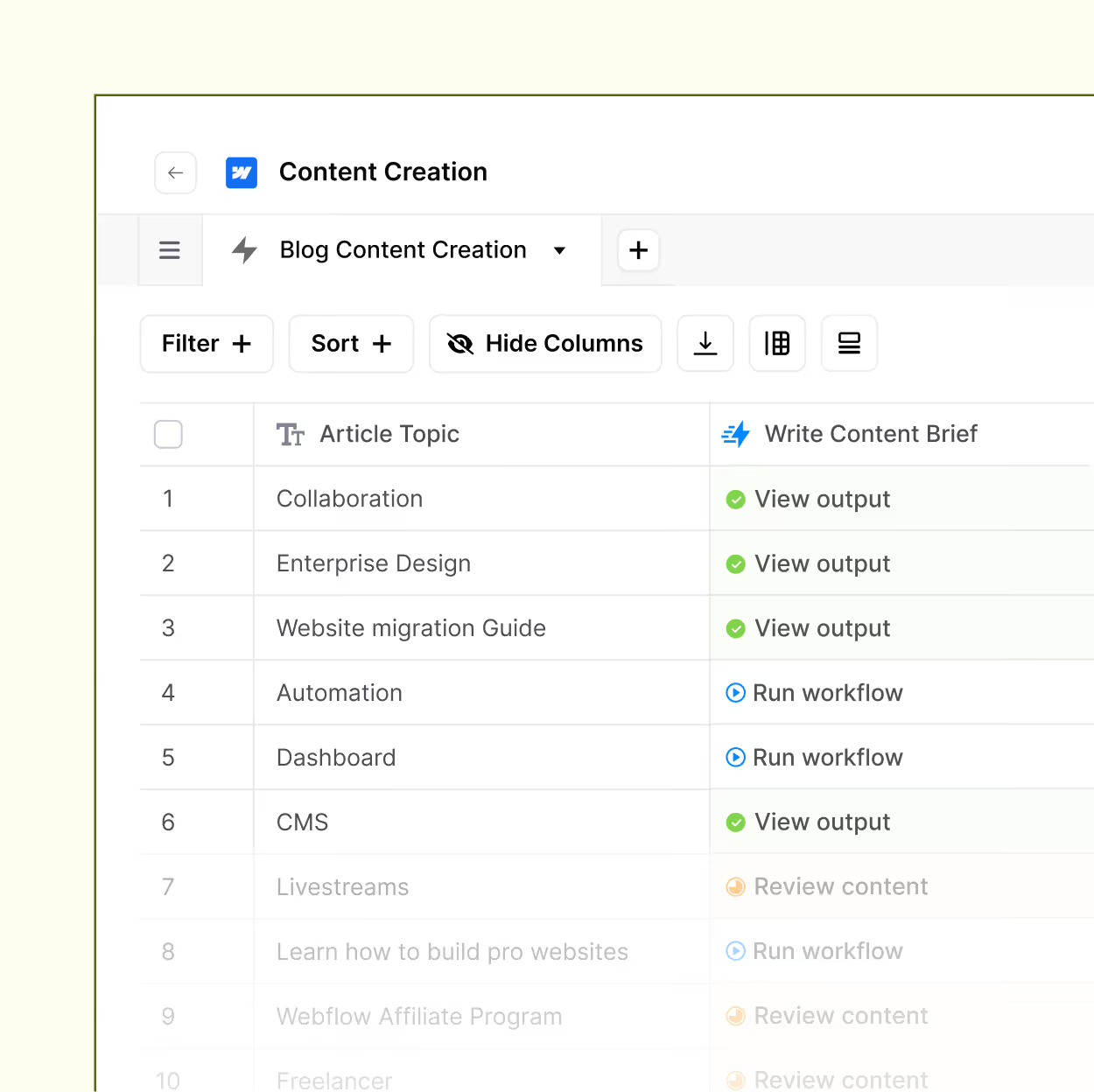
Apply changes individually or batch-optimize across hundreds of pages in a single workflow. Track ranking improvements in real time and share progress dashboards with your team or clients. This is where programmatic SEO meets hands-on content quality - scale without sacrificing the details that matter.
Frequently Asked Questions
What are the tools or features that set AirOps apart?
What is an on-page SEO tool and how does it work?
An on-page SEO tool analyzes individual web pages to identify optimization issues - including title tags, meta descriptions, headings, keyword usage, internal links, page speed, and content quality. It then provides actionable recommendations to improve each page's search ranking. Tools like AirOps use AI to automate this analysis and prioritize fixes by impact, so your team focuses on the changes that move the needle fastest. Think of it as an on-page SEO checker that doesn't just flag problems but tells you exactly how to fix them.
What features should I look for in on-page SEO tools?
The best on-page SEO tools should include page-level audits, content optimization recommendations, keyword gap analysis, internal linking suggestions, meta tag and heading checks, technical SEO diagnostics like Core Web Vitals and mobile-friendliness, and reporting. Advanced tools also offer AI-powered content optimization and answer engine optimization for visibility in ChatGPT and Perplexity. If you're managing more than a handful of pages, batch processing and CMS integrations are non-negotiable.
Are free on-page SEO tools enough for serious optimization?
Free on-page SEO checkers are useful for quick spot-checks on individual pages, but they typically lack the depth needed for ongoing optimization. You won't get batch processing, AI recommendations, internal linking analysis, or workflow collaboration. Teams managing more than a handful of pages will see significantly better results with a dedicated platform like AirOps that automates audits at scale. Free tools are a fine starting point - they're just not a finishing point.
How is an on-page SEO tool different from a full SEO platform?
A full SEO platform typically covers backlink analysis, rank tracking, site crawling, and competitor research across an entire domain. An on-page SEO tool focuses specifically on page-level optimization - content quality, keyword targeting, meta tags, headings, and technical elements. Many teams use both: a platform for strategic visibility and an on-page tool like AirOps for execution-level content optimization and SEO content automation. The distinction matters because the best page-level optimization requires depth that broad platforms often skip.
Which on-page SEO tool is best for agencies managing multiple sites?
Agencies need on-page SEO tools that support multi-site management, team collaboration, scalable audits, and client-facing reporting. AirOps is built for exactly this - with batch optimization across hundreds of pages, shareable dashboards, API-first CMS integrations, and programmatic SEO support that lets agencies deliver results faster across every client. If you're still copying audit data into spreadsheets for each client, there's a better way.
Can on-page SEO tools help with AI search visibility and answer engines?
Yes - but only if the tool is designed for it. Most traditional on-page SEO tools focus exclusively on Google's organic results. AirOps includes answer engine optimization features that help you structure content for AI-powered search platforms like ChatGPT, Perplexity, and Google AI Overviews. This includes featured snippet optimization, FAQ schema generation, and content structuring for LLM citation. If your content isn't showing up in AI search results, your on-page tool should be helping you fix that.